Squarespace hosts millions of websites globally, from portfolios and service-based businesses to modern e-commerce stores. But understand this: even the most stunning design can be useless without credibility. Visitors will always judge a business based on what others have said. That’s just how we are wired; when we see proof, we believe.
Also, just having reviews is never enough. To grow a brand and win customers’ trust, a business needs to showcase those reviews in the right way. That’s what Feedspace helps you do.
Feedspace helps online businesses like yours collect, manage, and embed Google reviews aesthetically over your Squarespace website and also social channels. It’s like turning each happy customer into a credibility-building machine.
Embed Google Reviews on Your Squarespace Website Using Feedspace
If you are looking for a smooth, zero-code method to display Google reviews on your site, Feedspace makes it meaningfully simple. With our easy-to-use interface, you can import and embed your best reviews in just a few seconds. Let’s go through it.
Read More: How to Add Feedspace Wall of Love to Google Business Profile 🔥
Import Google Reviews into Feedspace
Step 1: Create a Feedspace Account
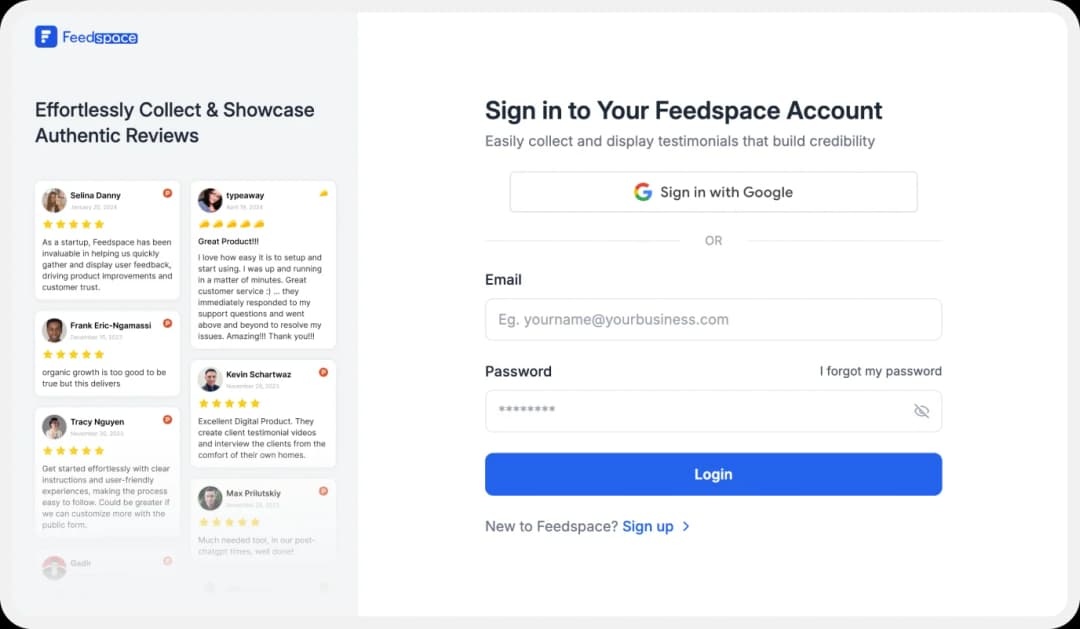
Use your email to create a new account with Feedspace,or just log in if you already have an account.
Step 2: Import Google Reviews

From the left panel of your Feedspace dashboard, click on ‘Import’. Choose ‘Google’ from the list of platforms.
Enter your business name and hit ‘Search’.
Step 3: Select Your Business
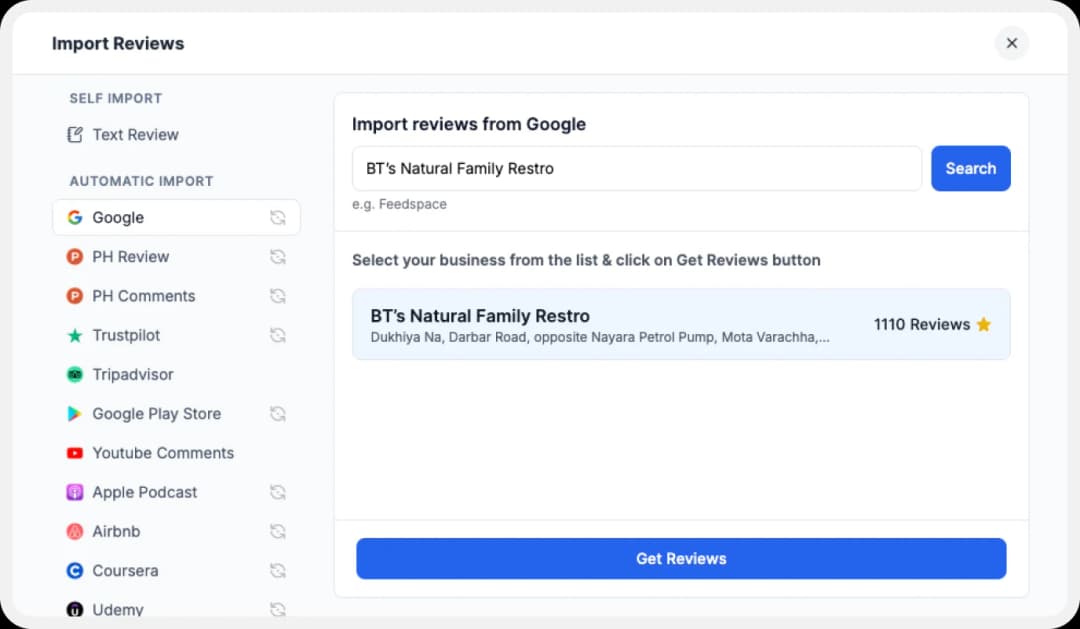
Feedspace will show a few businesses with that name, select yours and click on ‘Get Reviews’.
Step 4: Start Importing

You’ll now see a preview of the available Google reviews that can be imported.
Step 5: Pick What You Want

Select individual reviews or click ‘Select All’ to import them all in at once.
These reviews are now ready to be shown on your very own Wall of Love. Thinking what that is? Let’s jump in.
Step 6: Build Your Wall of Love

Head to the ‘Pages’ section in the left sidebar of your dashboard. Here you can create a new Wall of Love or edit an existing one.
Step 7: Select Your Google Reviews
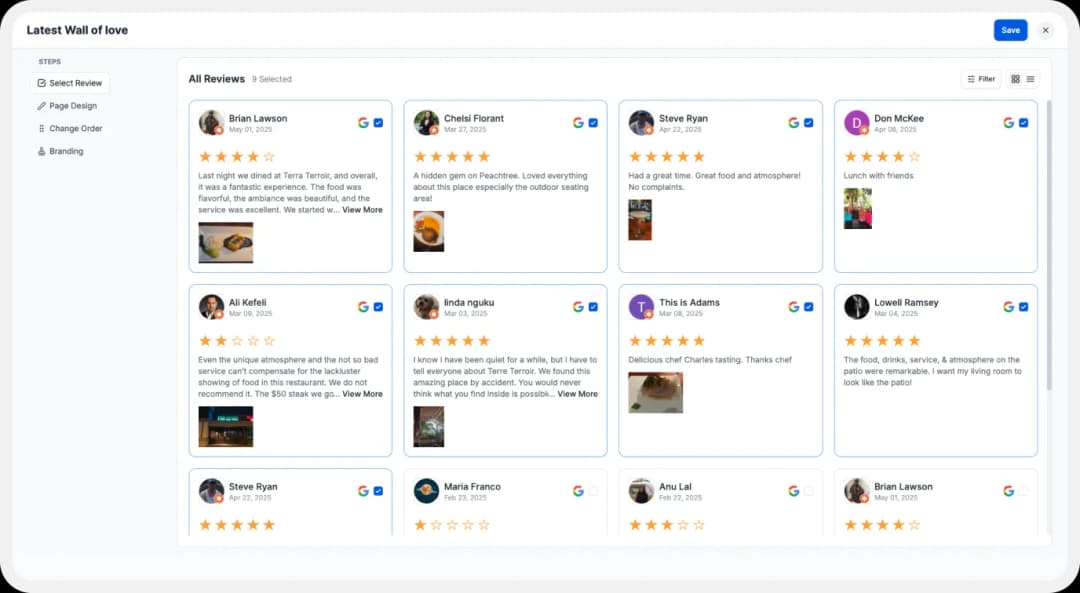
Choose which reviews you’d like to display on your Wall of Love.
Step 8: Beautify Your Wall of Love
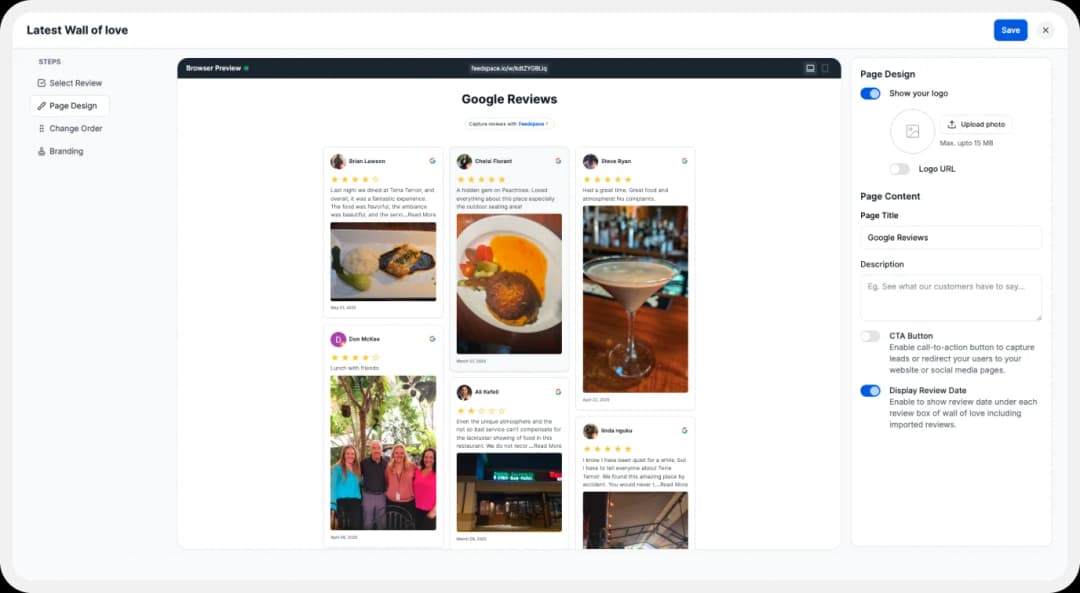
Personalise it further with these options:
- Upload your brand logo
- Add a catchy title and description
- Enable/disable the CTA button to link to any URL
- Toggle review dates on/off
- Fully customise your branding, you can even connect your domain or remove Feedspace branding
Also, customise your branding: connect your domain and even remove Feedspace branding if you’d like.
Step 9: Save and Share!

Once you’re happy with how it looks, click the ‘Save & Share’ button in the top-right corner. Voila! Your Wall of Love is now ready to be shared with the world.
Read More: How to Tackle Google Fake Reviews 🔥
How to Add Google Reviews on Squarespace
Now, to embed this Testimonial Wall of Love directly into your Squarespace website. Here’s how to generate an embed code and add your reviews to your website easily:
Step 1: Find ‘Pages’

In your Feedspace dashboard, go to the ‘Pages’ tab on the left side of the dashboard.
Step 2: Select Your Wall of Love

Choose the Wall of Love you want to embed. Click the “<>’ icon near it to generate your embed code.
Step 3: Generate Embed Code

Pick a light or dark theme to match your website’s look. Then click on ‘Generate Embed Code’.
Step 4: Copy the Code
Copy the embed code, you’ll need it in further steps.
Step 5: Log in to Your Squarespace Dashboard
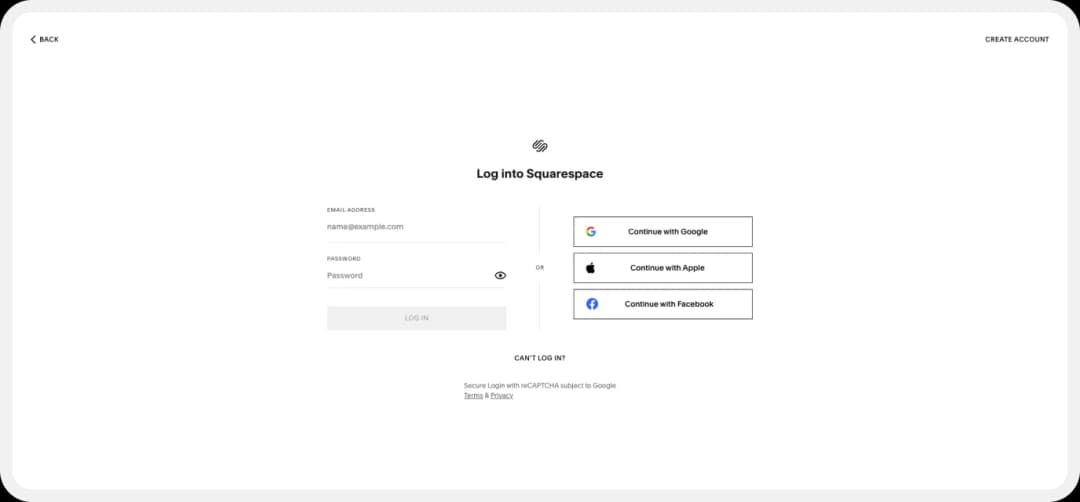
Head over to your Squarespace dashboard and open your website in the editor.
Step 6: Go to the Page or Section

Navigate to the page where you want to embed the Wall of Love. Or, you can also create a new page for showcasing the reviews.
Step 7: Add a Code Block
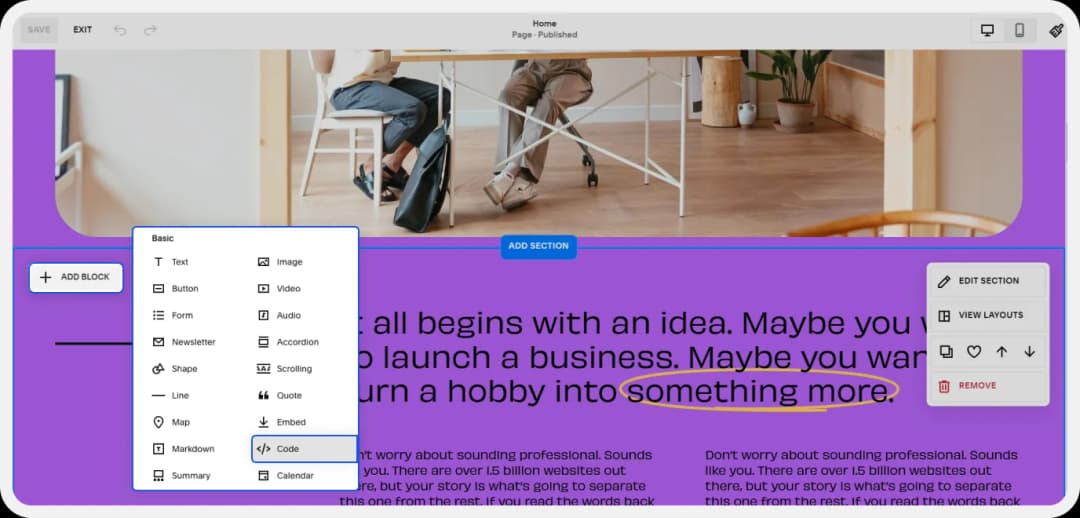
Click the ‘+’ icon to add content, then select the ‘Code’ block.
Note: Code blocks are available on Business and Commerce plans only.
Step 8: Paste the Code
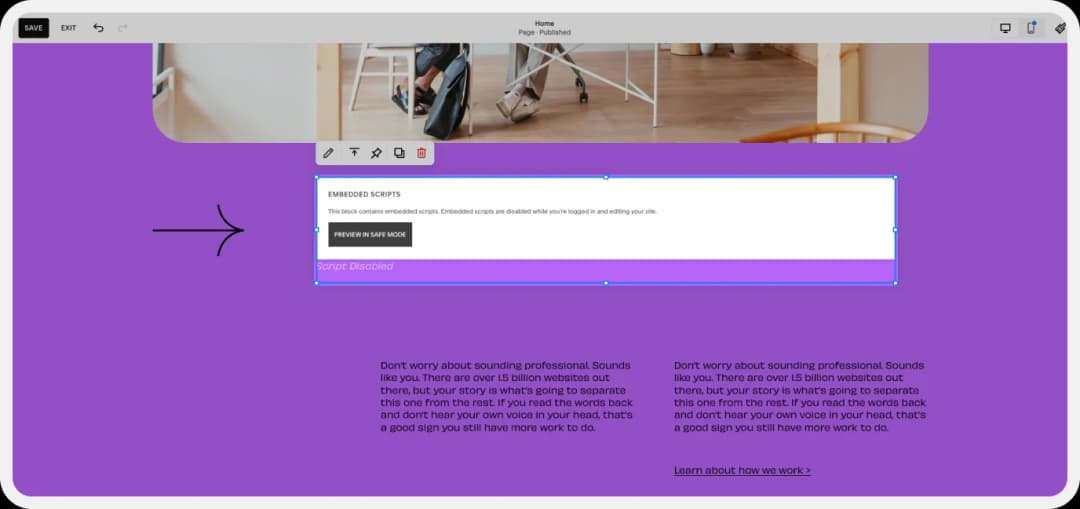
Paste your Wall of Love embed code into the Code block.
Step 9: Apply and Save

Click ‘Apply’, then click ‘Done’ → ‘Save’ to publish it live on your Squarespace site.
Bonus Tip: Feedspace also makes it easy to tweak how your review section looks. You can play with layout, colours, fonts, and more. If you want to start fresh? Just click ‘+Create Page’ under the ‘Pages’ tab in the Feedspace dashboard and build a new Wall of Love anytime.
Why Embed Google Reviews on Your Squarespace Site?
Build Social Proof
Let your happy customers speak for you. Real feedback builds real trust, more than any self-promo ever can. Authenticity always works.
Boost Your SEO
Reviews are user-generated content. Adding them to your site keeps your content fresh and helps to rank better on search engines.
Drive Engagement
People love seeing their words featured. Showcasing reviews encourages others to leave their own as well, and this builds a stronger community around your brand.
Conclusion
In today’s world, your online reputation is everything. By showcasing Google reviews directly on your Squarespace website, you can turn happy customer feedback into your biggest growth driver.
And the best part? Feedspace makes the whole thing as easy as it can get, from collecting to displaying and customising. Try it out for free today and let your reviews do the talking.